Search the Community
Showing results for tags 'microsoft 365'.
Found 8 results
-
Hey everyone! I've been using Microsoft 365 for my business, and I want to make sure I have proper backups in place to protect my data. I recently came across the NAKIVO blog, and I was wondering if anyone here could help me understand how to set up backups in Microsoft 365. Any guidance would be appreciated!
- 3 replies
-
- 1
-

-
- backups
- microsoft 365
- (and 2 more)
-
.thumb.png.06d8fba2efcf99a2e716d853feb8fb0f.png) NAKIVO Backup & Replication v10.7 is out! The new release brings a number of new data protection features and performance enhancements to help keep data protected and available at all times. DOWNLOAD NOW Microsoft Teams Support: The Backup for Microsoft 365 functionality has expanded to include Microsoft Teams. Back up public and private Teams to a local repository and swiftly recover teams channels, posts, files and tabs to the original or a different location. Backup to Azure Blob Storage: The latest release adds Azure Blob Storage as a backup destination in NAKIVO Backup & Replication to offer more flexibility in the cloud. In addition to Amazon S3 and Wasabi, you can now send backups and backup copies directly to Azure Blob Storage and instantly recover the data you need with a few clicks. Enable immutability for backup data in the cloud for as long as necessary to prevent unwanted modification and ransomware encryption. Backup to Backblaze B2: NAKIVO Backup & Replication v10.7 expands cloud capabilities further by adding Backblaze B2 to the list of supported backup destinations. You can now store your backups and backup data in Backblaze B2 cloud storage and instantly recover the required data when needed. Moreover, you can enable immutability for backup data stored in Backblaze buckets for as long as necessary to prevent unauthorized changes, accidental deletion, and encryption by ransomware. Wasabi Immutability: Version 10.7 adds a new immutability feature to the extensive anti-ransomware arsenal of the solution. Apply immutability to backup data stored in Wasabi buckets to protect them against accidental deletion, unwanted modification and ransomware encryption for as long as needed. Native Microsoft 365 Change Tracking: NAKIVO Backup & Replication now supports native Microsoft 365 change tracking to boost backup speed and optimize job run times. By relying on Microsoft’s delta query, the solution avoids lengthy scans of source on every incremental Microsoft 365 backup job run and improves performance. Overview Dashboard: The new dashboard adds a layer of visibility to your data protection infrastructure. Get a bird’s-eye view of data protection activities, including a summary of jobs, monitoring data and solution components, conveniently presented in simple widgets. Try the new features in NAKIVO Backup & Replication v10.7 for free today! Download the full-featured Free Trial and take your environment’s resilience to a new level. DOWNLOAD NOW
NAKIVO Backup & Replication v10.7 is out! The new release brings a number of new data protection features and performance enhancements to help keep data protected and available at all times. DOWNLOAD NOW Microsoft Teams Support: The Backup for Microsoft 365 functionality has expanded to include Microsoft Teams. Back up public and private Teams to a local repository and swiftly recover teams channels, posts, files and tabs to the original or a different location. Backup to Azure Blob Storage: The latest release adds Azure Blob Storage as a backup destination in NAKIVO Backup & Replication to offer more flexibility in the cloud. In addition to Amazon S3 and Wasabi, you can now send backups and backup copies directly to Azure Blob Storage and instantly recover the data you need with a few clicks. Enable immutability for backup data in the cloud for as long as necessary to prevent unwanted modification and ransomware encryption. Backup to Backblaze B2: NAKIVO Backup & Replication v10.7 expands cloud capabilities further by adding Backblaze B2 to the list of supported backup destinations. You can now store your backups and backup data in Backblaze B2 cloud storage and instantly recover the required data when needed. Moreover, you can enable immutability for backup data stored in Backblaze buckets for as long as necessary to prevent unauthorized changes, accidental deletion, and encryption by ransomware. Wasabi Immutability: Version 10.7 adds a new immutability feature to the extensive anti-ransomware arsenal of the solution. Apply immutability to backup data stored in Wasabi buckets to protect them against accidental deletion, unwanted modification and ransomware encryption for as long as needed. Native Microsoft 365 Change Tracking: NAKIVO Backup & Replication now supports native Microsoft 365 change tracking to boost backup speed and optimize job run times. By relying on Microsoft’s delta query, the solution avoids lengthy scans of source on every incremental Microsoft 365 backup job run and improves performance. Overview Dashboard: The new dashboard adds a layer of visibility to your data protection infrastructure. Get a bird’s-eye view of data protection activities, including a summary of jobs, monitoring data and solution components, conveniently presented in simple widgets. Try the new features in NAKIVO Backup & Replication v10.7 for free today! Download the full-featured Free Trial and take your environment’s resilience to a new level. DOWNLOAD NOW
-
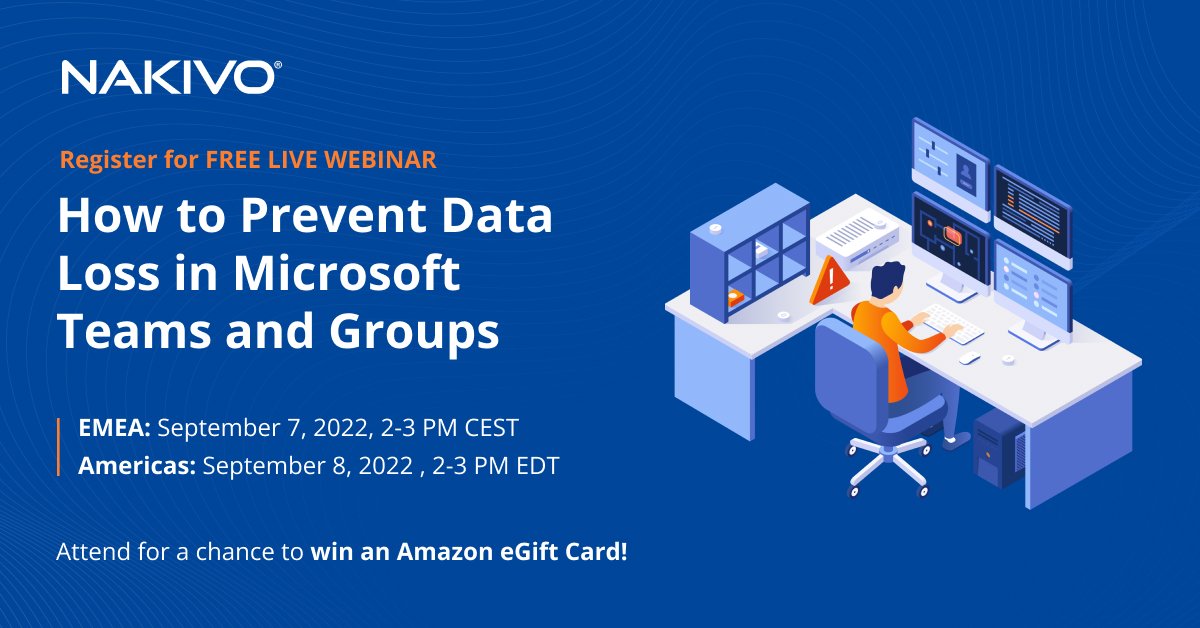
Exclusive to Attendees. Get a chance to win an Amazon eGift Card* by correctly answering one of four questions during the webinar. REGISTER NOW Most businesses value applications like Microsoft Teams and Groups because they streamline collaboration and teamwork among co-workers, which is essential in running a successful business. However, while Microsoft guarantees the high availability of its applications, native data protection and recovery capabilities may not be enough for a fast and reliable response in case something goes wrong. Register for our free live webinar to learn how to strengthen the data resilience of Microsoft Teams and Microsoft 365 Groups. Watch a live demo of NAKIVO Backup & Replication and see how the solution helps you minimize data and productivity loss. Register and get the free white paper Microsoft Office 365 and Data Protection: Risks in Shared Responsibility. Webinar agenda Microsoft 365 data loss threats Who protects your cloud data? Native protection limitations Microsoft 365 Groups Microsoft Teams Why back up Microsoft 365 data Flexible retention for legal/compliance purposes Point-in-time restores Ransomware protection Advanced Microsoft 365 data protection from NAKIVO Case study Live demo Q&A session When to attend EMEA: September 7, 2022, 2-3 PM CEST Americas: September 8, 2022, 2-3 PM EDT REGISTER NOW *Terms and conditions apply
-
I've just uploaded almost 20GB of very important data on OneDrive. Documents, xlsx, pdfs mostly... Now I wonder about OneDrive's security and reliability. What is your point of view? Should I keep one more copy in other place?
-
 I have to recover last 4 months of emails from Deleted folder in Microsoft 365. Any ideas?
 -
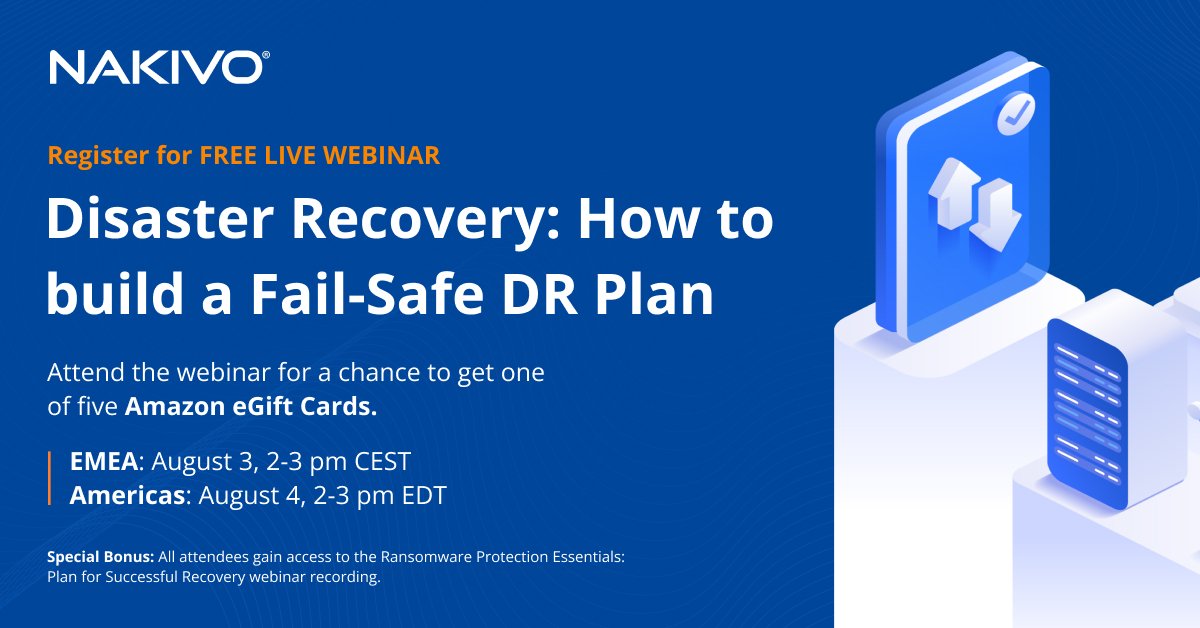
Exclusive to Attendees Get a chance to win an Amazon eGift Card* by correctly answering one of five questions during the webinar. REGISTER NOW Maintaining business continuity in the age of speed takes foresight, careful risk response planning and reliable data protection tools. Register for our free live webinar to learn how to plan for various disasters and recover with minimal downtime and data loss every time. Watch a live demo of NAKIVO Backup & Replication during the webcast and see how the solution helps you meet tight recovery objectives. Register and get a free white paper on practical disaster recovery planning principles! What it covers Understanding the role of DR Core concepts and how they overlap The business impact of downtime Common mistakes to avoid 10 must-haves in your DR plan Advantages of having a DR solution DR with NAKIVO Backup & Replication Case study Live technical demo Q&A session When to attend EMEA: August 3, 2022, 2-3 PM CEST Americas: August 4, 2022, 2-3 PM EDT REGISTER NOW Special Bonus: All attendees also gain access to the full recording of the webinar Ransomware Protection Essentials: Plan for Successful Recovery. *Terms & Conditions apply
-
NAKIVO Backup & Replication v10.3 Beta is available for testing! The newest features include Backup for Microsoft 365 Contacts and Calendars, VMware vCloud Director Backup, Direct Connect and Backup from Storage Snapshots. Join the Beta Program and receive a $20 Amazon eGift Card for sharing your feedback: https://www.nakivo.com/resources/releases/10.3-beta/
-
The new version adds two features: OneDrive for Business Backup and HPE StoreOnce Catalyst Integration. Which one would you like to test first? Join the Beta Program and receive a $20 Amazon eGift Card for sharing your feedback: https://www.nakivo.com/resources/releases/10.1-beta



.png.a3b8bcd064ddf9eb0a54f86a14de1efa.png)