-
Posts
110 -
Joined
-
Last visited
-
Days Won
5
The Official Moderator's Achievements






-
Slow O365 first Backup
The Official Moderator replied to Krisko Liva's topic in Microsoft Office 365 Backup
Dear @Krisko Liva, We apologize for the issues you've encountered with your O365 backup. To help resolve your issue, please contact our NAKIVO Support Team directly (support@nakivo.com) and send us a support bundle: https://helpcenter.nakivo.com/User-Guide/Content/Settings/Support-Bundles.htm This will allow our team to investigate your situation and try to provide a fix. Please let me know if you need more information. Best regards -
NAKIVO Backup for Proxmox
The Official Moderator replied to tommy.cash's topic in NAKIVO Backup for Proxmox
https://www.nakivo.com/proxmox-backup/ -
@Ana Jaas, to update NAKIVO on your Synology DS1621+ with an AMD Ryzen 1500B, please follow our manual update guide here: https://helpcenter.nakivo.com/Knowledge-Base/Content/Installation-and-Deployment-Issues/Updating-Manually-on-Synology-NAS.htm?Highlight=DSM At step 6, download PKG for AMD Ryzen 1500B CPU here: https://maglar.box.com/shared/static/drpedy89j4652zfcagspxqe8jtydnwc7.sh For any further assistance, feel free to request a remote support session. Best
-
NAKIVO Backup for Proxmox
The Official Moderator replied to tommy.cash's topic in NAKIVO Backup for Proxmox
Dear @Argon, Thank you for your honest feedback. This helps us understand what our users need and how to improve our product moving forward. We have tried to be as clear as possible that this is only an agent-based approach to backing up Proxmox VE, and wanted to inform users who may not be aware of this approach in NAKIVO Backup & Replication. As for the native Backup Server Tool, it may have some advantages but it lacks several important capabilities such as multiple backup targets (for example, cloud) or recovery options (for example, granular recovery of app objects). We are continuously working on improving our software solution, and we are investigating native Proxmox support. Thank you once again for your input. Best regards -
@Ana Jaas, I'm sorry to hear about the difficulties you're experiencing. Please share your Synology device model, CPU version, and RAM to help our support team provide a swift resolution. You can also reach out directly to our support team at support@nakivo.com.
-
Hello, @LRAUS, We acknowledge the need for agentless support for Proxmox VE and plan to add this feature to our roadmap after investigation. However, we don't have an ETA yet. We'd appreciate knowing how important this is for you, so we can prioritize it accordingly. Your input is valuable in shaping our development efforts. Best
-
Repository of previous versions
The Official Moderator replied to Clemilton's topic in General threads
Hello, @Clemilton. For the export and import of settings between Nakivo versions, it's important to note that we generally support the N-1 version approach and don't maintain a public repository of older releases. However, to assist with your specific situation, we can provide a link to download the Linux version of NAKIVO Backup & Replication 10.2. Please use the following link to access the installer: https://maglar.box.com/shared/static/ljsx7h9fyjko62nigfxqv98mqezcz82q.sh If you need further assistance, please contact our support team directly: support@nakivo.com -
Nakivo 10.2 and vCenter 7.0.3
The Official Moderator replied to Clemilton's topic in General threads
Hello, @Clemilton, VMware vSphere 7.0.3 is officially supported in NAKIVO Backup & Replication starting from version 10.5.1 onwards. To ensure compatibility and to access the latest features and fixes, updating your NAKIVO software instance to a supported version is recommended. For more details on version compatibility and features, please refer to the Release Notes available in the Help Center: https://helpcenter.nakivo.com/Release-Notes/Content/Release-Notes.htm If you need further assistance, please contact our support team directly: support@nakivo.com -
Hi @Clemilton, the error "Import has failed: invalid LOC header (bad signature) (ZipException)" suggests data corruption in the export/import of configuration file data. To troubleshoot this, please provide: 1) Steps to reproduce the issue 2) The exported system configuration file from Nakivo 10.2 3) A support bundle from the new Nakivo 10.11 installation https://helpcenter.nakivo.com/User-Guide/Content/Settings/Support-Bundles.htm Upload the files at https://upload.nakivo.com/c/uploadPackage, mentioning ticket ID #245373 in the description. As a workaround, try copying the "userdata" folder from your Nakivo 10.2 installation to the same location on the 10.11 Director server: Linux: /opt/nakivo/director/userdata We'll review the provided data and work to identify the cause of the import failure. If you need further assistance, please contact our support team directly: support@nakivo.com
-
NAKIVO Backup for Proxmox
The Official Moderator replied to tommy.cash's topic in NAKIVO Backup for Proxmox
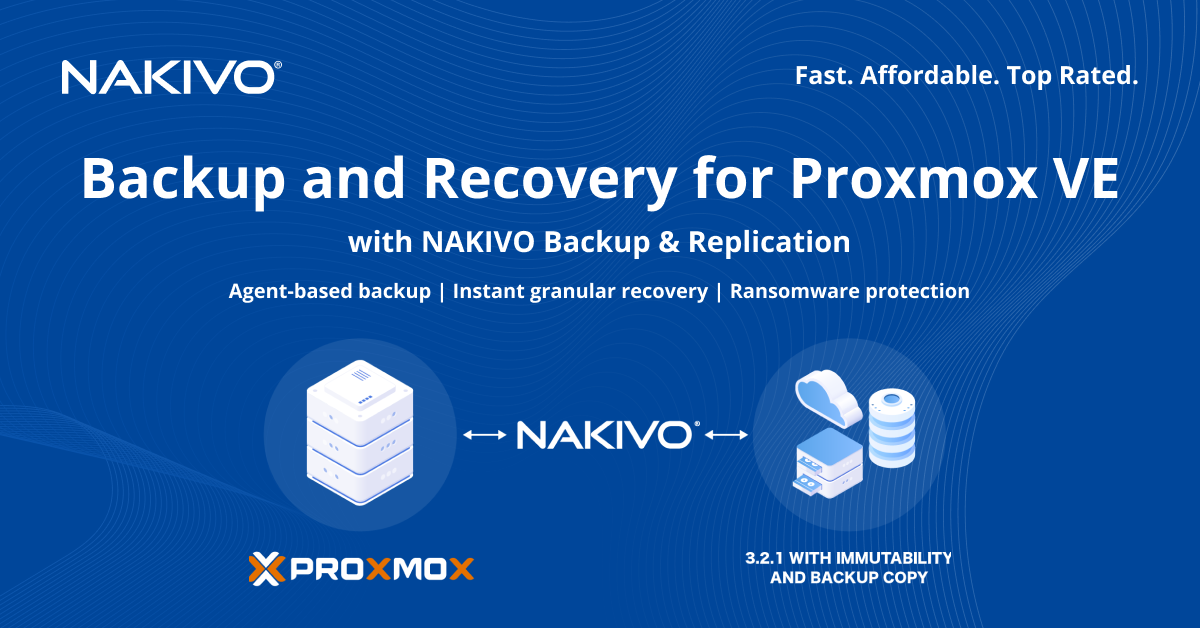
We’re excited to announce that NAKIVO has expanded the range of supported platforms to include Proxmox VE: -
We’re excited to announce that NAKIVO has expanded the range of supported platforms to include Proxmox VE! The agent-based backup support for Proxmox VM data features: • Full and incremental, image-based backups of Proxmox VM data, applications and operating system • Backup copy to remote sites, public clouds, other S3-compatible platforms and tape • Full VM data recovery to an identical VM on the same hypervisor using bare metal recovery • Instant recovery of files and app objects to the original or a custom location Download the full-featured Free Trial of NAKIVO Backup & Replication and start protecting your Proxmox VM data today. DOWNLOAD NOW

-
Hello @Ana Jaas, thanks for reaching out. To be able to provide the steps to take, we need more information about your NAS devices. Could you please provide us with the specifications of your NAS devices? We'll need details such as the model, operating system version, and CPU version. This information will enable us to guide you through updating the Transporter to match the version of the Director. Alternatively, you can navigate to Expert Mode: https://helpcenter.nakivo.com/User-Guide/Content/Settings/Expert-Mode.htm?Highlight=expert mode and enable system.transporter.allow.old to address the compatibility issue. If you find these steps challenging or would prefer direct assistance, we're more than willing to schedule a remote session to help you navigate through the process: support@nakivo.com. Looking forward to your response.
- 6 replies
-
- 2
-

-

-
- incompatibility of versions
- transporter version
- (and 5 more)
-
@SysErr Thank you for your patience as we looked into your backup copy job to Backblaze B2. We've reviewed the logs and found no errors with the "Clone-Nakivo-to-Backblaze" job. With backups to S3 storage types like AWS, Backblaze, or Wasabi, there may be periods of time when no data transfers are happening. This typically happens at the end of the backup process. At this stage, NAKIVO makes an API call to move data from a temporary "transit" folder to the repository. Depending on how much data there is, this moving step can take a while, and during this time, you won't see any data transfers happening on our side. To help with this and improve your backup job performance, we recommend setting your backup jobs to the "active" full backup type for any backups to S3 storage. Also, to prevent any overlap and ensure both your clone and original backup jobs run without issues, it's a good idea to schedule them with more time in between. This gives the clone job enough time to finish up, considering the extra time needed for data to move to the cloud storage. We're here if you need more help or have other questions. Your feedback helps us make our service better for everyone.
-
Hello @SysErr, to assist you with your request, please send us a support bundle. It contains log files and system information that will help us identify the problem and provide a resolution. Please remember to include the main database and specify your ticket ID #244546. The instructions on how to generate and send a support bundle can be found in the NAKIVO Help Center at the following link: https://helpcenter.nakivo.com/User-Guide/Content/Settings/Support-Bundles.htm We look forward to your reply and assisting you further.
-
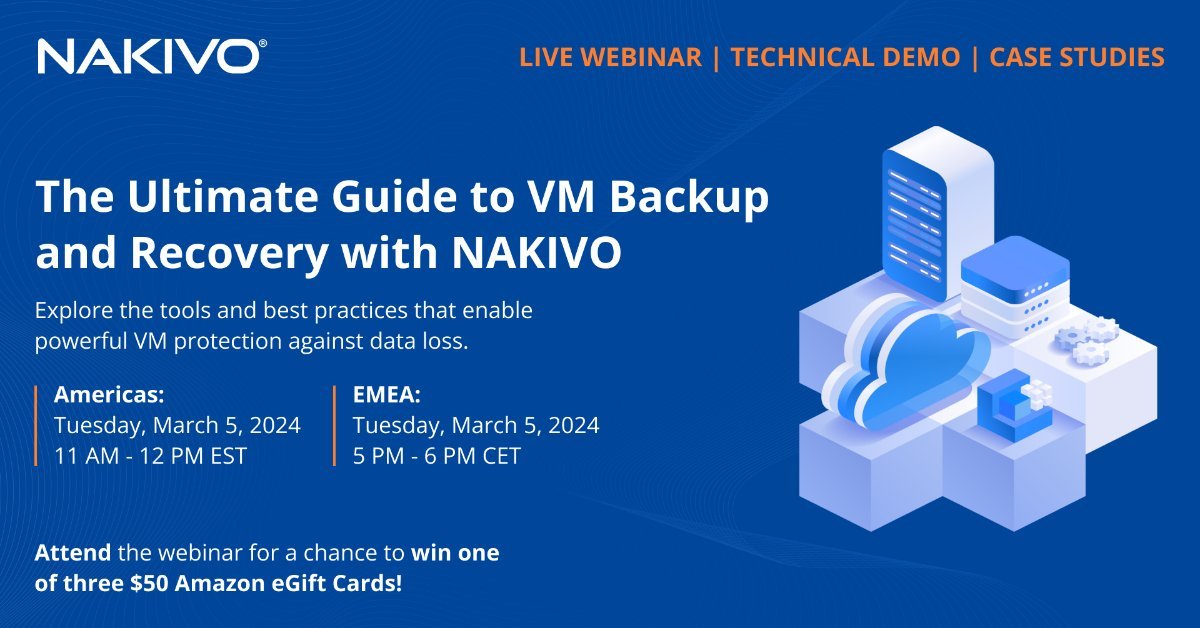
Live Webinar: The Ultimate Guide to VM Backup and Recovery with NAKIVO Special Offer for Attendees *Attend the webinar and get a chance to win: $50 Amazon eGift Card in one of three lucky draws during the webinar. $25 Amazon eGift Card for completing a quick post-webinar survey. Learn more Protecting data in virtual environments requires a thorough understanding of potential threats and vulnerabilities and a dedicated data protection solution for virtualized workloads. Register for our upcoming webinar, where we discuss the threat landscape and best practices you need to protect your VMs. Discover how NAKIVO backup for virtualization platforms can provide the optimal solution for your data protection needs. What it covers: Overview: Potential threats to virtual environments Tools: NAKIVO backup for virtualization platforms Tips: Best practices for data protection in virtual environments. Real-life Scenarios: Case studies of customers achieving their VM data protection goals. Technical Demo: Showcasing NAKIVO Backup & Replication capabilities for virtual workload protection. Q&A session: Insights from experts in virtual environment protection. When to attend Tuesday, March 5, 2024 Americas: 11 AM – 12 PM EST EMEA: 5 PM – 6 PM CET REGISTER NOW *Terms and conditions apply